Mr Luck Mobile Casino and App Status
 Available in GB
Mr Luck works through a mobile browser, so UK players do not need an app to reach the site. Current UK listings also show Mr Luck apps on Apple’s App Store and Google Play. Browser access works without an installation, while app availability depends on the device, store account and current listing.
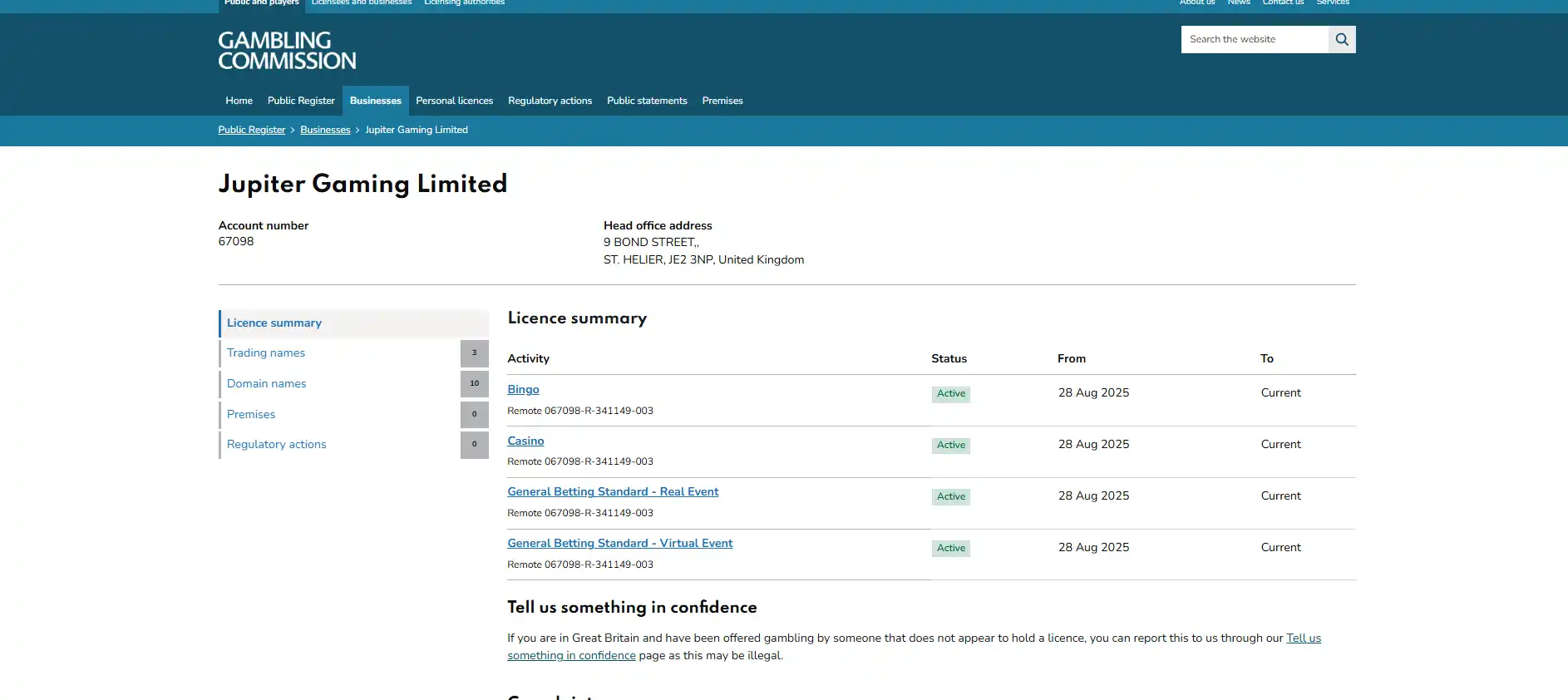
The iPhone and iPad listing is titled “Mr Luck Casino: Online Slots” and links its privacy policy and developer website back to mrluck.com. Google Play currently lists “Mr Luck: UK Online Casino” under Jupiter Gaming. Store details can change, so use the listing identity, publisher information and official-site links rather than downloading software from a search ad or third-party APK page.
Using Mr Luck in a mobile browser
Mobile-browser access is the simplest starting point because it does not depend on an app-store listing. Open the official Mr Luck site in the browser already installed on the phone, then use the same account credentials and account controls you would use on desktop. The site’s current product structure includes casino gaming and sports betting, so a phone can serve as the entry point to the main Mr Luck product areas without requiring a separate installation.
For a mobile casino, usability is less about whether a site technically loads and more about whether the important actions remain easy on a small screen. The practical checks are straightforward: can you reach the game categories without excessive scrolling, can you return to the lobby after opening a title, does the account menu remain readable, and can you reach payment and safer-gambling controls without hunting through desktop-style navigation? Those are better tests than relying on a broad claim such as “mobile optimised”.
The browser loads the current website directly from the operator. Interface changes, terms links and account menus are therefore delivered through the live service without requiring an app update. If an app is unavailable on a particular handset, the mobile website remains available as the fallback route.
Practical check: bookmark the official site only after confirming the domain. Avoid saved links from adverts, messages or unofficial app-download pages, especially if they ask you to install an APK outside Google Play.
Mr Luck apps currently listed for iPhone and Android
Apple’s UK App Store currently carries “Mr Luck Casino: Online Slots” for iPhone and iPad. The listing identifies Fortuna Gaming LTD as the provider and links the developer website and privacy policy to mrluck.com. Google Play currently carries “Mr Luck: UK Online Casino” and identifies Jupiter Gaming as the developer, with the listing describing a real-money UK casino product.
Current store listings provide a direct place to check whether a Mr Luck app is available for your device. Availability can still vary by country, device software, age controls and store policy, and listings can be updated or removed, so verify the current store page before installing.
| Route | What you can check now | What to verify |
|---|---|---|
| Mobile browser | Access through the official Mr Luck website | Official domain, account menu and current navigation |
| Apple App Store | UK listing currently visible for iPhone and iPad | Title, provider details and mrluck.com links |
| Google Play | UK listing currently visible | Developer identity, store URL and official-site connection |
Do not use an app’s star rating, review count or promotional copy as a substitute for checking who published it. Those fields can change rapidly and do not prove that a download belongs to the operator. Identity signals are more durable: the store itself, the publisher name, the linked privacy policy, the developer website and matching operator information.
Casino, live and sportsbook on a phone
Mr Luck offers online casino games including slots and live casino content, and it also offers sports betting. On a phone, the sensible approach is to judge each product by navigation and screen demands rather than assume every section behaves identically. Slots usually need a clear game frame and simple controls. Live casino adds streamed video and table controls. Sports betting places more pressure on menus because a user may move between sports, events, markets and an active bet slip.
The browser and store listings support mobile use. If casino choice is the priority, the Mr Luck games page covers the current product categories. For betting markets and in-play navigation, the Mr Luck sports betting page covers the sportsbook separately.
On any mobile route, test the experience before assuming desktop parity. Open a game category, return to the lobby, find the account area and confirm that controls fit without horizontal scrolling. For live content, stable connectivity matters because video is part of the session. For sports, make sure the bet slip remains understandable when multiple selections are added. These are practical interface checks, not claims that every title, market or desktop feature is guaranteed on every handset.
It is also worth separating availability from convenience. A feature can be reachable on a phone but still be easier to inspect on a larger screen, particularly long terms, transaction history or dense betting markets. Mobile works best when it lets you complete the action clearly, not merely when it compresses a desktop page.
Payments and account checks on mobile
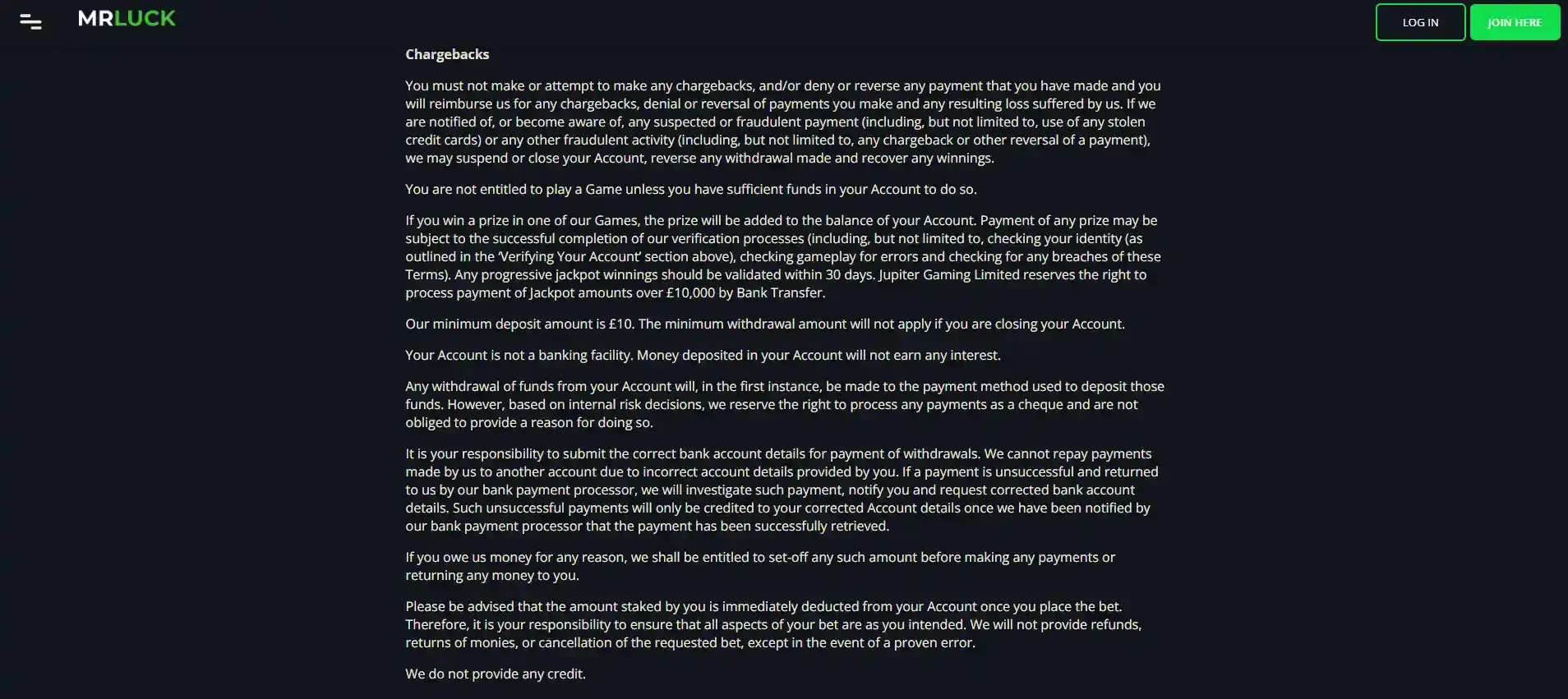
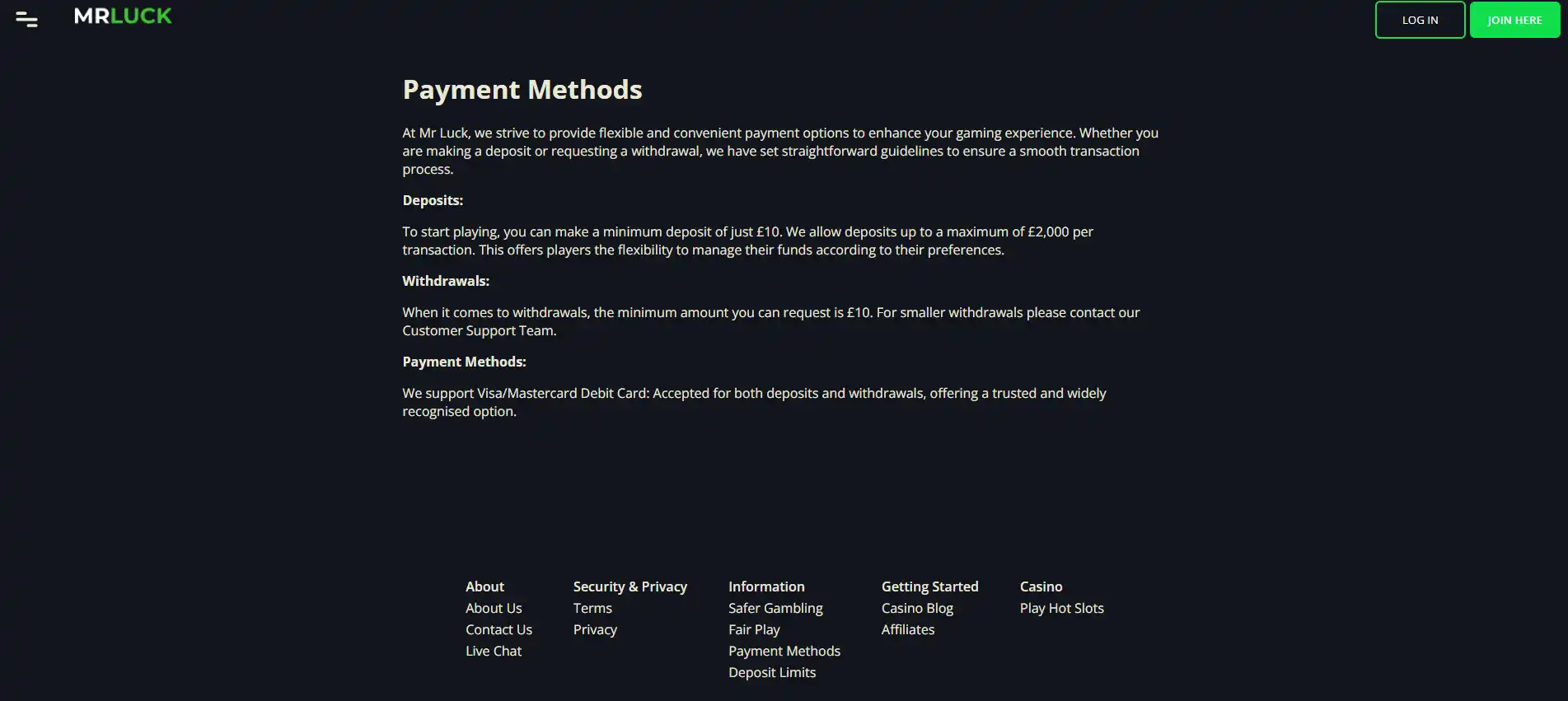
Mr Luck lists Apple Pay, PayPal, Skrill, Visa, MasterCard, Maestro, online bank transfer and Neteller among its payment options. The live cashier is still the correct place to see which methods are actually available to a specific account and transaction. Using a phone does not change the ownership rule: payment methods should belong to the account holder, and Mr Luck may verify payment ownership and source of funds.
Mobile account management is more than a question of whether a deposit button fits on the screen. If the operator asks for an account or payment check, use the secure account flow shown by the official service and read what is being requested before submitting anything. Verification screens can differ between browser and app versions, so follow the current interface on your device.
For payment-method detail, including the current £10 minimum deposit and the Great Britain credit-card restrictions, use the deposits and payments guide. For registration and identity timing, use the Mr Luck registration guide. Keeping those topics separate avoids turning a mobile review into an unreliable list of cashier promises.
Recognising the official Mr Luck app
The browser gives you a useful reference point when checking an installed app. Start from the official Mr Luck domain, then compare the store listing’s brand identity, publisher information and destination with the current site before installing. If a listing disappears or changes, browser access still provides a direct route to the live service without assuming that an older app result remains valid. This distinction matters because mobile access to the site can stay available even when the status of a particular store listing changes.
Casino-app searches are a poor place to rely on name recognition alone. Similar names, paid search placements and unofficial download pages can make a result look plausible. Before installing anything, verify the listing in a recognised store and connect it back to the operator’s official web presence.
- Start from a recognised store: use Apple’s App Store or Google Play rather than an APK mirror or download directory.
- Check the exact product identity: the current listings use the Mr Luck name and describe UK gambling or casino use.
- Check publisher and linked pages: look for publisher details and official-site or privacy-policy links that connect the listing to mrluck.com or the current operator.
- Read the permissions and privacy information: do not grant permissions simply because the app carries a familiar name.
- Do not sideload to bypass store controls: a third-party APK is not made safer by copying the brand artwork.
- Use the browser if anything is unclear: the official mobile website provides a direct route without requiring an installation.
The same principle applies after installation. If an app sends you to an unfamiliar domain for login, deposits or identity documents, stop and verify the destination first. A store listing can establish the listed publisher and destination, but login and payments should remain within the operator’s official account flow.
Mr Luck mobile access in a browser
Mr Luck currently has iOS and Android store listings, giving UK users who prefer an installed app a route to check. The mobile website remains the most dependable fallback because it is tied directly to the official domain and does not depend on a particular store, device version or app listing remaining available.
For most users, the choice is therefore about convenience rather than access; Use the browser if you want the least installation overhead and a direct route to the live site. Consider a store app if you prefer an installed icon and the listing is available for your device, but verify the store identity first. In either case, the important parts of the product remain the same: casino and sports access, an account in your own name, account checks when required and payment options shown for your account.
The safest mobile habit is simple: keep the official domain bookmarked, treat store listings as current rather than permanent, and verify publisher details before installing. That gives you a stable way back to Mr Luck even if a store listing changes later. For further information on games, payments and licensing, use the full Mr Luck review.
Whichever route you choose, keep the official website as the reference point for account access, current navigation and support links. An installed app is a convenience layer; it should not become the only place you can identify the service or verify where the account journey begins.
Written by the editors at mr Luck Casino.